Note: This section details the procedure for revoking roles from the 'User Management' section.
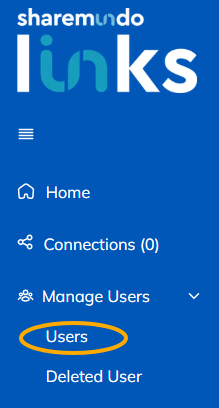
Step 1: Go to the 'Users' subsection (under 'User management' in the left-hand menu).
Step 2: Select the user whose role you want to revoke, and click 'View Details'.

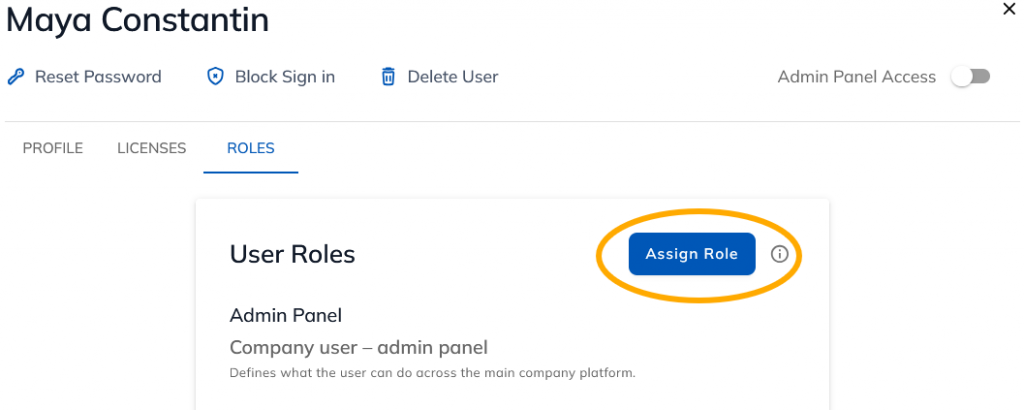
Step 3: Go to the 'Roles' tab and click 'Assign Role'.
Step 4 : Click the delete icon next to the role you want to revoke.
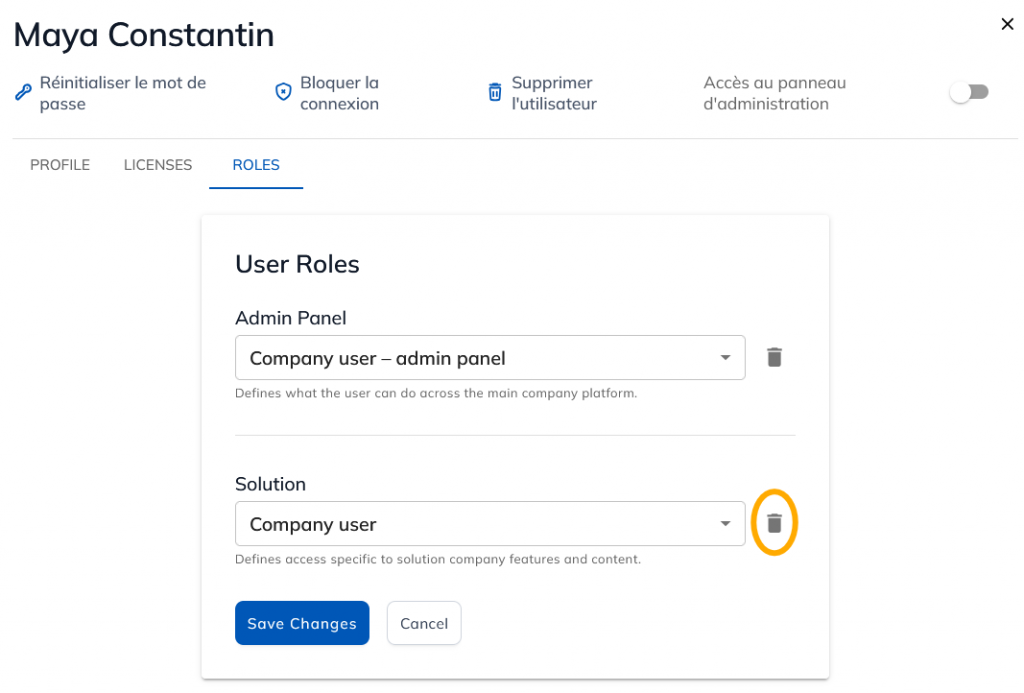
Step 5: Save the changes.