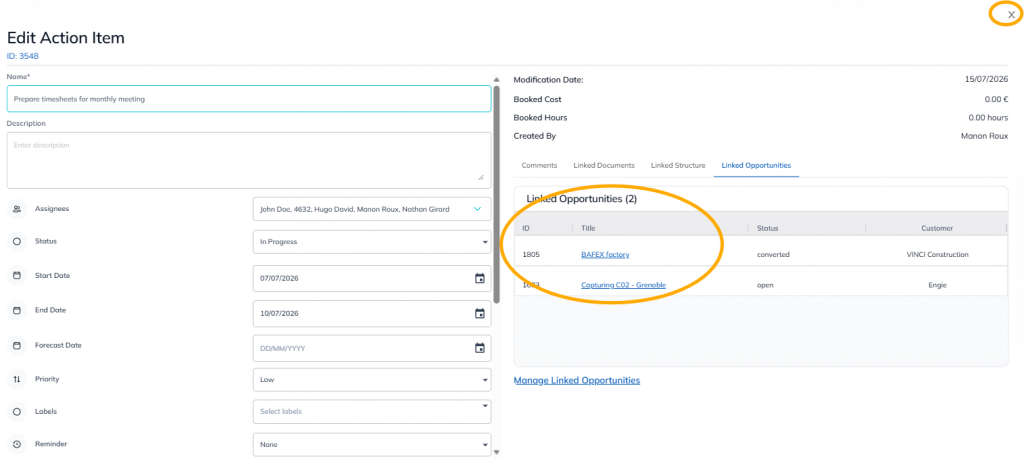
This feature is common to all sharemundo links® solutions.
Etape 1 : Allez à la section ‘Actions’ dans le menu de gauche (section ‘Gestion d’entreprise’ pour les actions d’entreprise ou section ‘Gestion de projet’ pour les actions liées à vos projets).
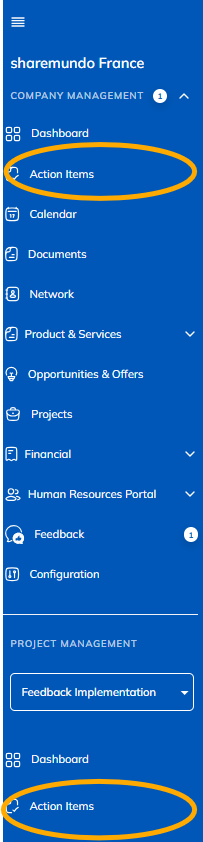
Note : The screenshots below pertain to company tasks, but the principles are the same for project tasks (if you have aSharemundo Links®solution that includes project management).
Etape 2 : Cliquez sur le bouton d’action pour l’action à laquelle vous souhaiter lier une opportunité et sélectionnez ‘Modifier’.

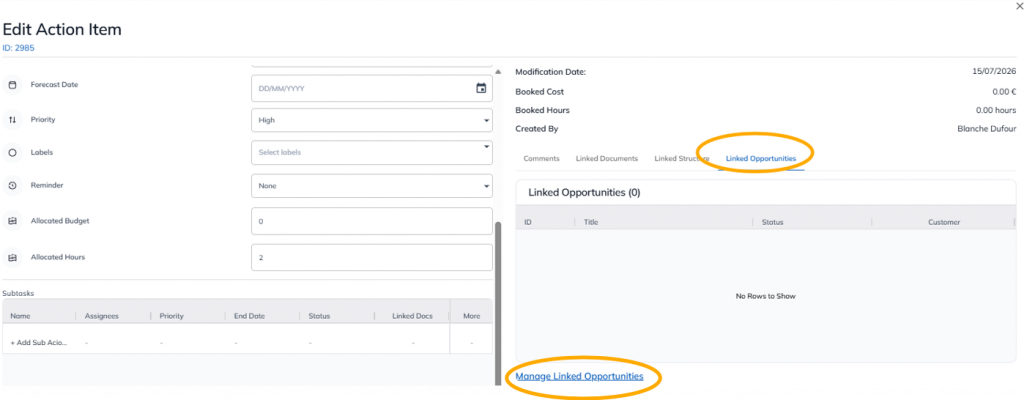
Etape 3 : Sélectionnez opportunités liées puis gérer les opportunités liées.
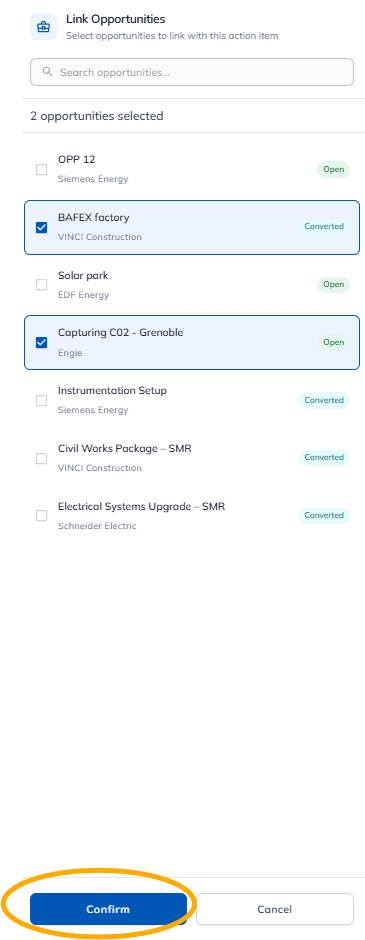
Select the opportunity or opportunities. Confirm your selection.
These opportunities are related. You can close the window. Don't forget to save your selection.