Note: This section explains how to modify roles from the 'Role Management' section. The administrator can use this feature to modify a set of permissions for one or more users.
Step 1: Go to one of the 'Role Management' sections where you want to make your changes. The process is the same for each section.
Step 2 : Go to the row for the role you want to edit and click 'View Details'
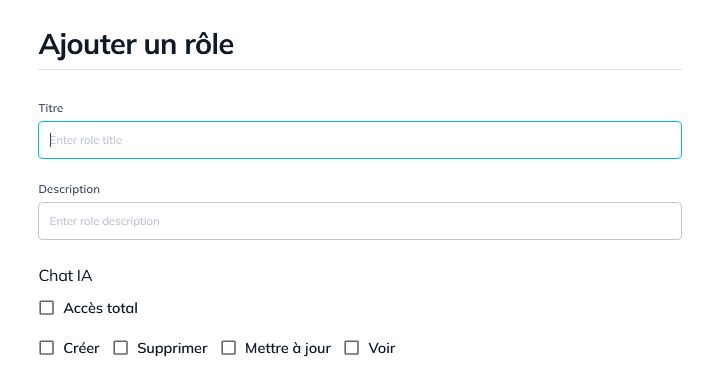
Step 3: Edit the form that appears on the right side of your screen.
Step 4: Save the completed form.