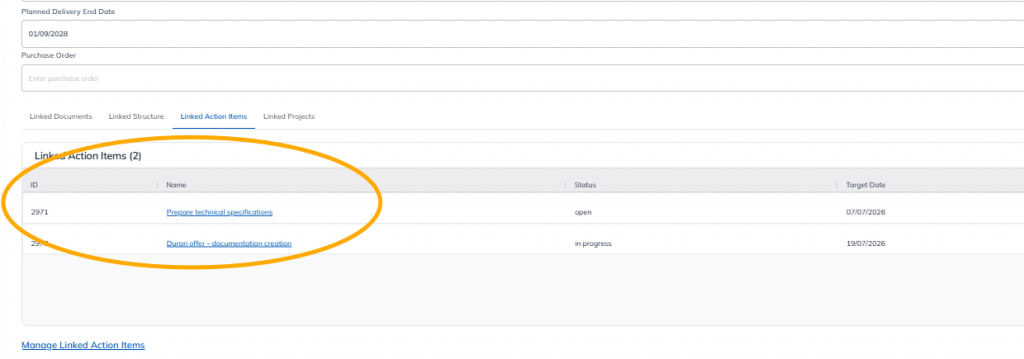
This feature is common to all sharemundo links® solutions.
Note : This section is accessible only to the company administrator and users with administrative privileges (administrator users).
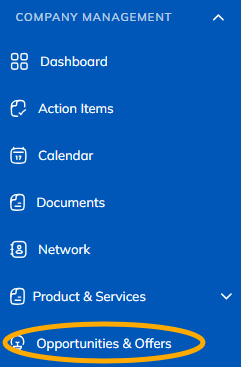
Step 1: Go to the “Opportunities and Offers” section from the navigation menu.
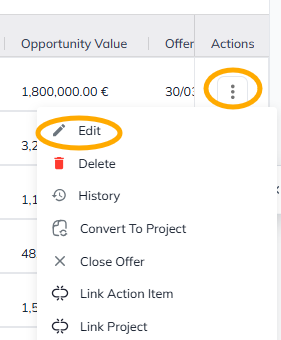
Step 2: Click “Edit” in the opportunity’s actions menu to link an action item.
Note: This menu is located in the last column of the table (on the far right).
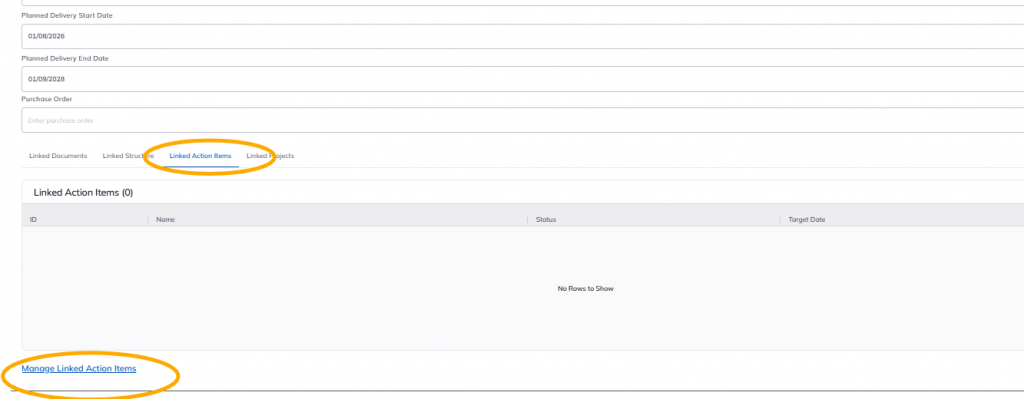
Step 3: Click on "Linked Action Item," then "Manage Linked Action Item."
Step 4: Select the action item(s) you want to link. Confirm your selection.
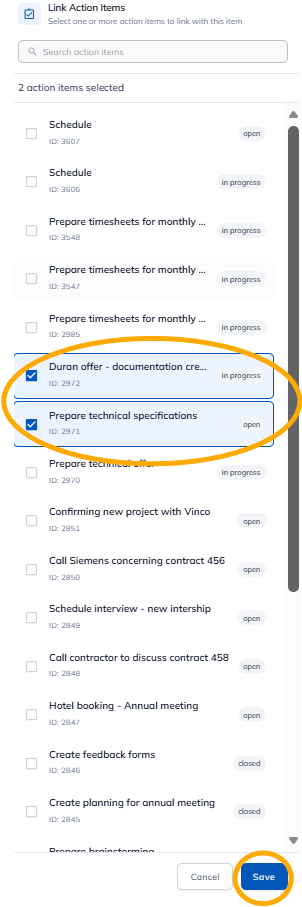
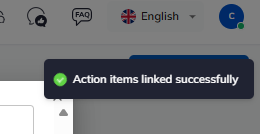
The action items are linked. You can close the window. Changes are saved automatically.