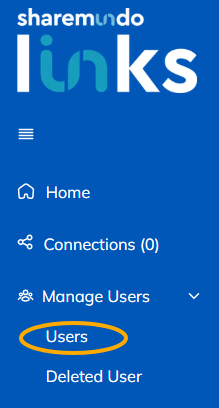
Step 1: Go to the 'Users' section ('User Management' in the left-hand menu).
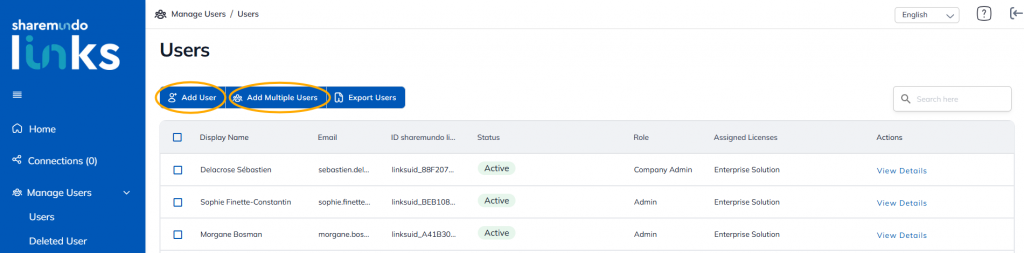
Step 2: Click 'Add a user' or 'Add multiple users'.
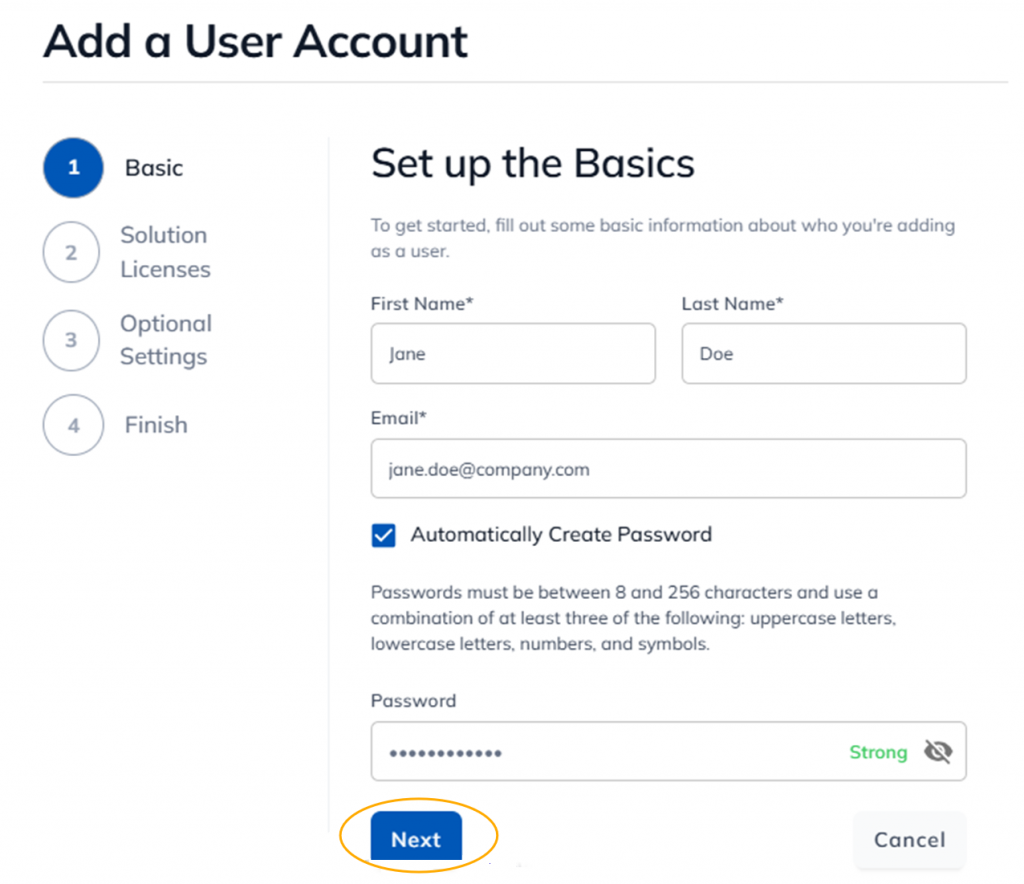
Step 3: Enter the details of the user or users and click 'Next'.
Step 4: Select the license you want to assign to the user or users, and click 'Next'.
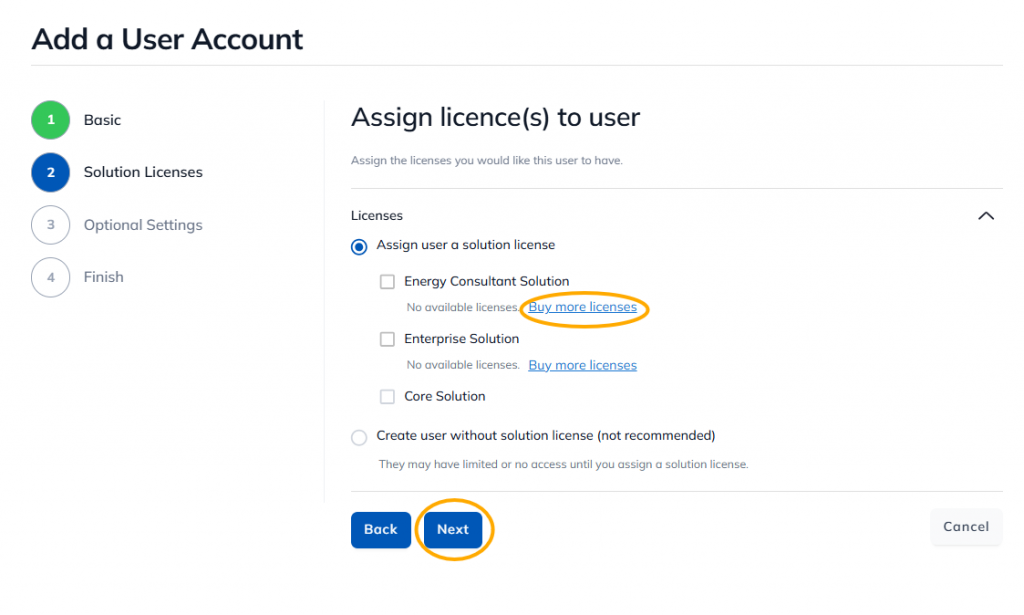
Note: If there are not enough licenses available, you can purchase more by clicking the 'Buy More Licenses' link located to the right of each license type.
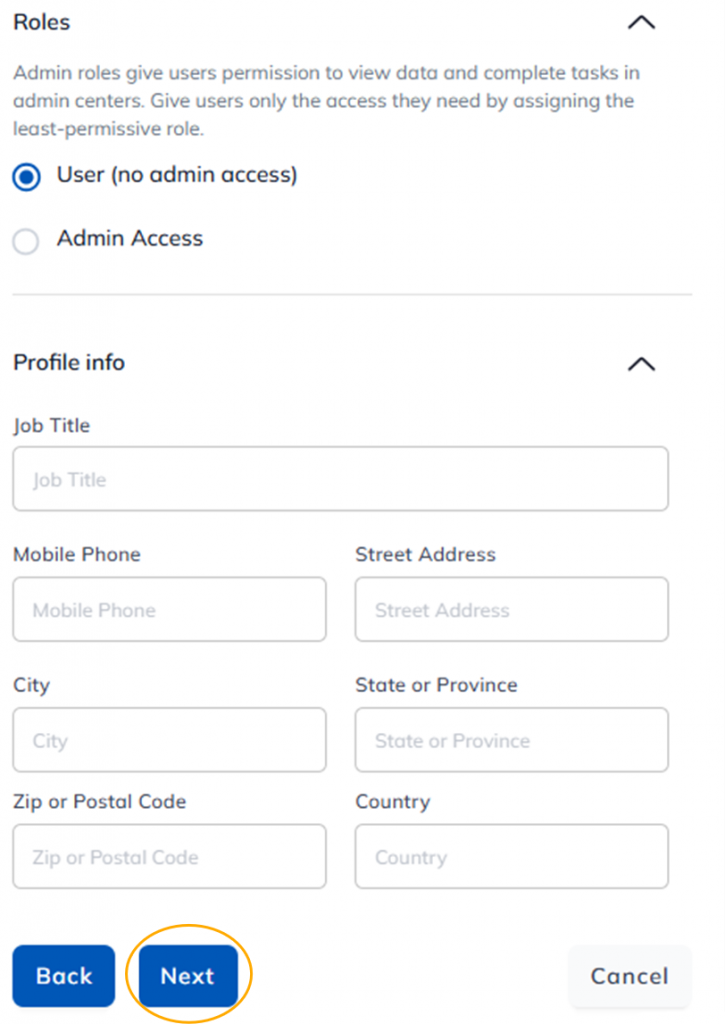
Step 5: Select the role you want to assign to the user or users, add additional details (if desired), and click “Next.”
Note: The various roles are described here.
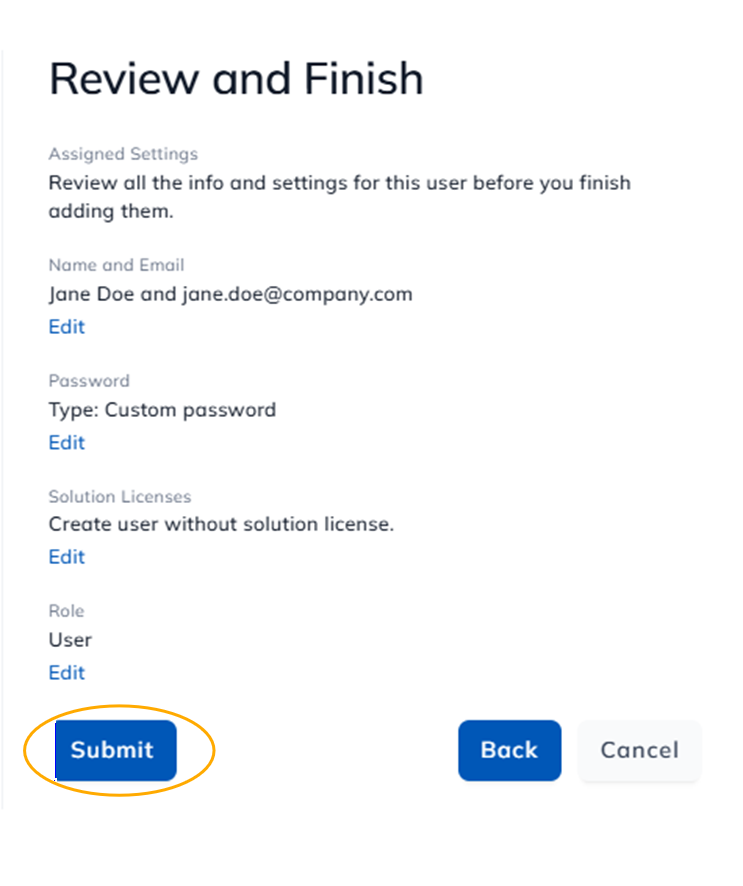
Step 6: Review the information you entered and click “Submit.”