By configuring roles, the administrator determines each user’s permissions on the platform. The 'Role Management' section of the administration server therefore allows the company administrator to:
This section can be accessed from the menu on the left and is divided into three subsections:
- Administration Server Roles
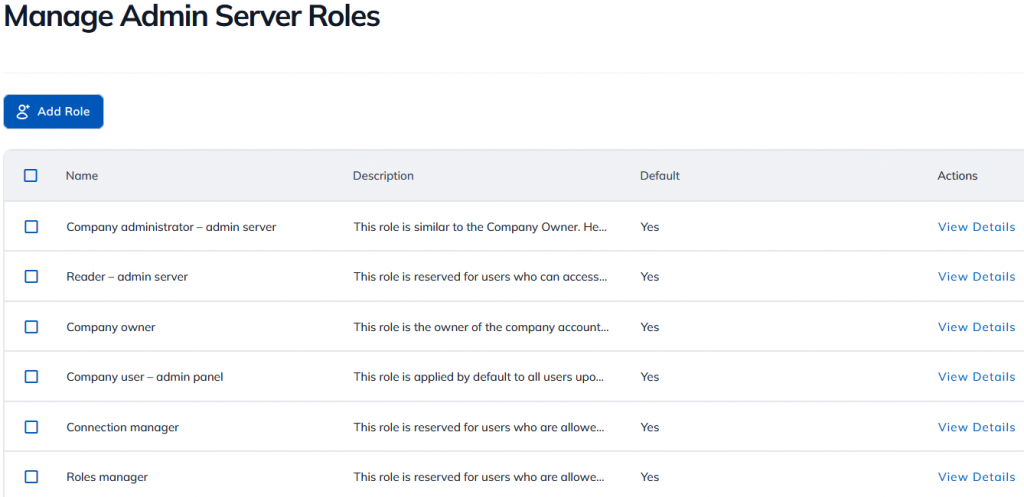
- Roles of the Solution Provider
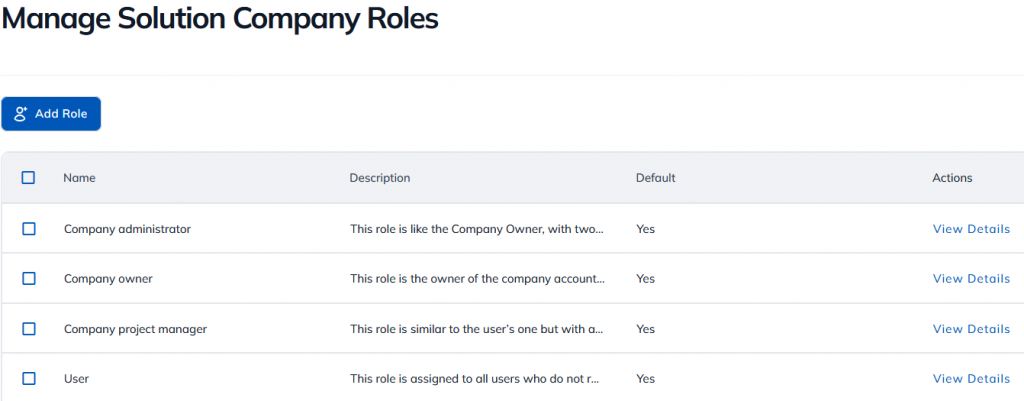
- Roles in the Solution Project
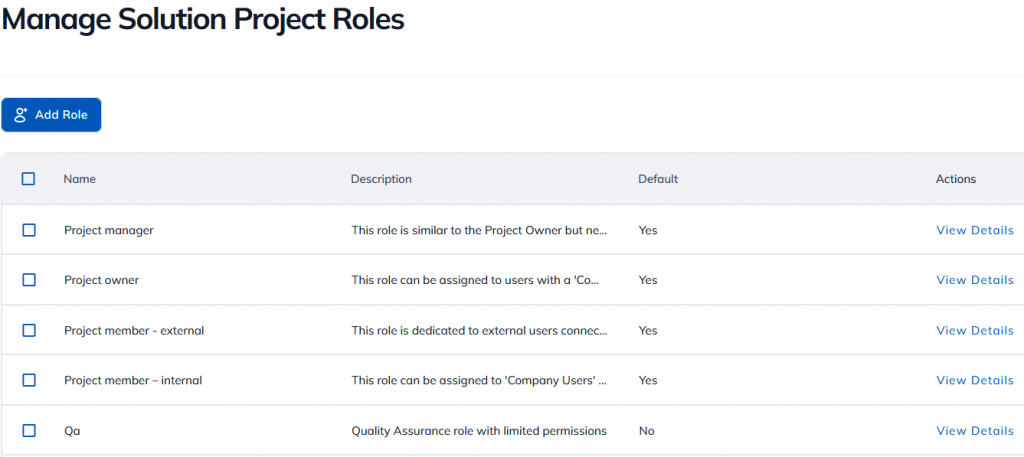
In each section, there are default roles that can be customized, in addition to the ones you can create.
A role can be assigned to one or more users, but a user can have only one role in each section of the platform (administration server, company, project).
To assign roles to the user of your choice, click here.