This feature is common to all sharemundo links® solutions.
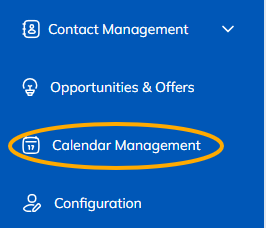
Step 1: Go to the “Calendar” section from the left-hand navigation menu.
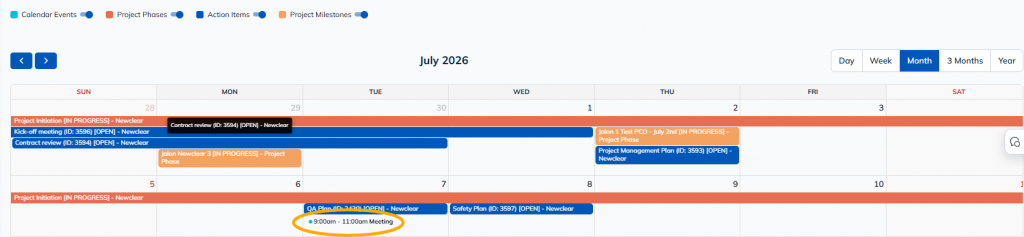
Step 2: Click the item to which you want to add a structure.
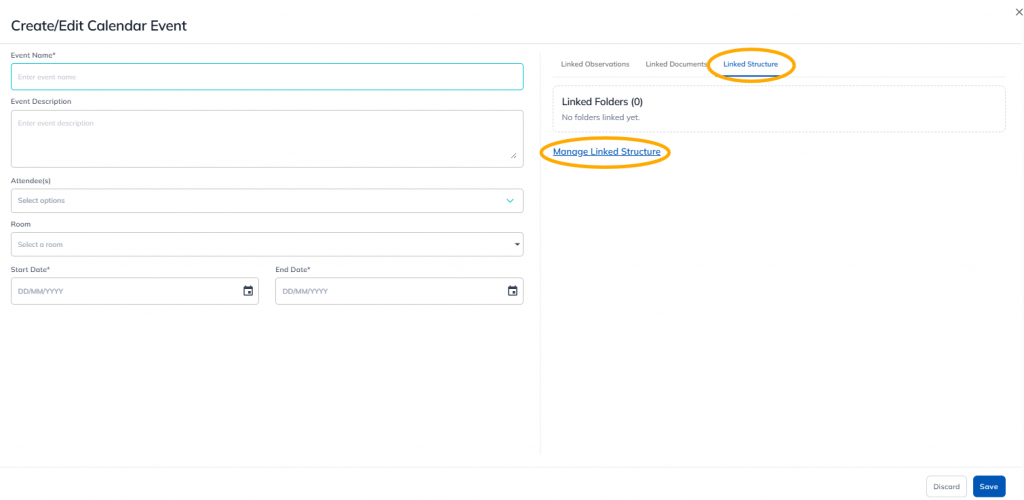
Step 3: Click "Linked Structure," then "Manage Linked Structure."
Step 4: Select the structure(s) you want to link. Confirm your selection.
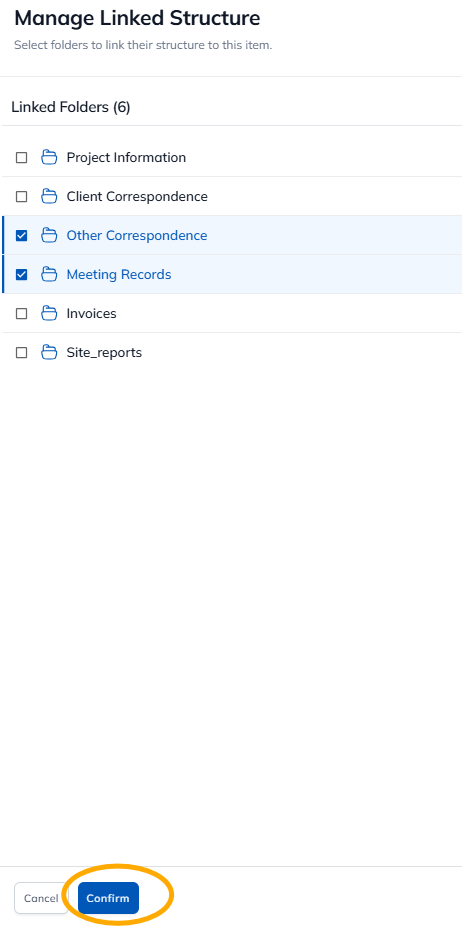
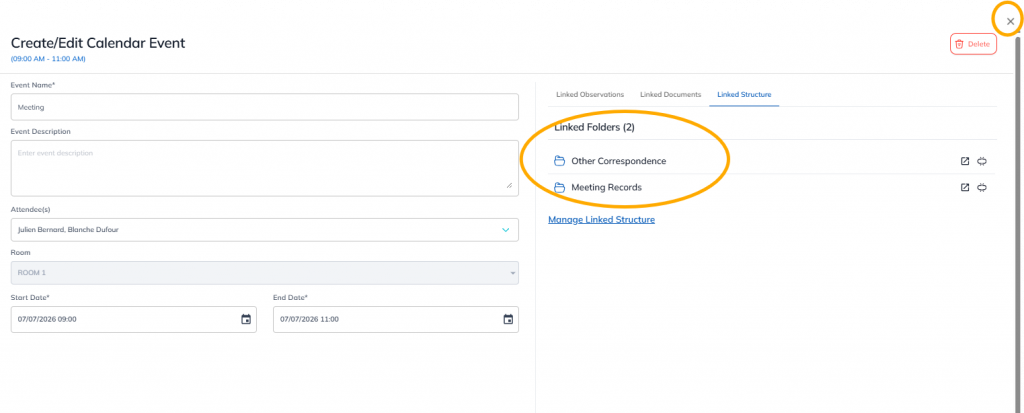
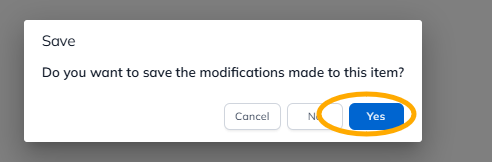
The structures are linked. You can close the window. Don't forget to save your selection.